 Visibility is the foundation of retail success. As your business grows, operations become increasingly complex — what began as a single shop floor can quickly evolve into a web of spreadsheets, stock levels, and multi-channel orders.
To cut through this complexity, industry leaders rely on ERP for retail stores. Rather than a standalone tool, an ERP acts as the operational backbone of your business.
At Eurostop, we know that unifying your operations under one “single version of the truth” is the essential foundation for scaling your brand and staying competitive in a digital-first world.
What is a Retail ERP and Why Does it Matter?
An ERP system for retail is a central platform that integrates every part of the business — from product creation and procurement to inventory management, merchandising, sales and CRM. It represents a core business strategy, not simply a technological investment. Point-of-Sale (POS) systems handle transactions and spreadsheets track stock, yet an ERP connects all this data in real-time, delivering insights that drive action.
Adopting an ERP means committing to a “single version of the truth,” ensuring every team member — from store managers in London to warehouse staff in Manchester — works from the same, accurate synchronised data. This clarity removes speculation and ensures all decisions are grounded in facts.
The Pitfalls of Disparate Systems: Signs You Need a Unified Solution
Many retailers operate with a mix-and-match approach, using separate applications for accounting, their physical POS, and a third-party platform for e-commerce. While workable initially, over time, this creates data silos that actively block progress.
Key signs that your current technology is holding you back:
• Stock Inaccuracies: The retail team is frequently cancelling online orders because the product was sold in-store moments earlier.
• Manual Data Management: Employees spend significant time transferring data between systems, dramatically increasing the risk of human error.
• Slow Reporting: Generating a complete profit-and-loss report takes days because information must be manually consolidated from multiple sources.
• Inconsistent Customer Experience: A loyal in-store shopper receives email marketing that treats them as a new prospect because separate systems cannot communicate.
When these challenges are familiar, the business has likely outgrown its collection of separate tools. Fragmented data is not merely an administrative inconvenience — it represents a significant drain on commercial performance.
How ERP Streamlines Everything from Inventory to Customer Relations
The primary purpose of a retail ERP is to eliminate operational friction. By consolidating operations, the system automates the flow of information throughout the entire business lifecycle.
Inventory Optimisation: An ERP delivers a complete, detailed view of stock levels across all locations. It generates recommended POs based on past sales patterns and seasonal demand, ensuring the business avoids overstock on slow-moving lines and maintains availability on top sellers.
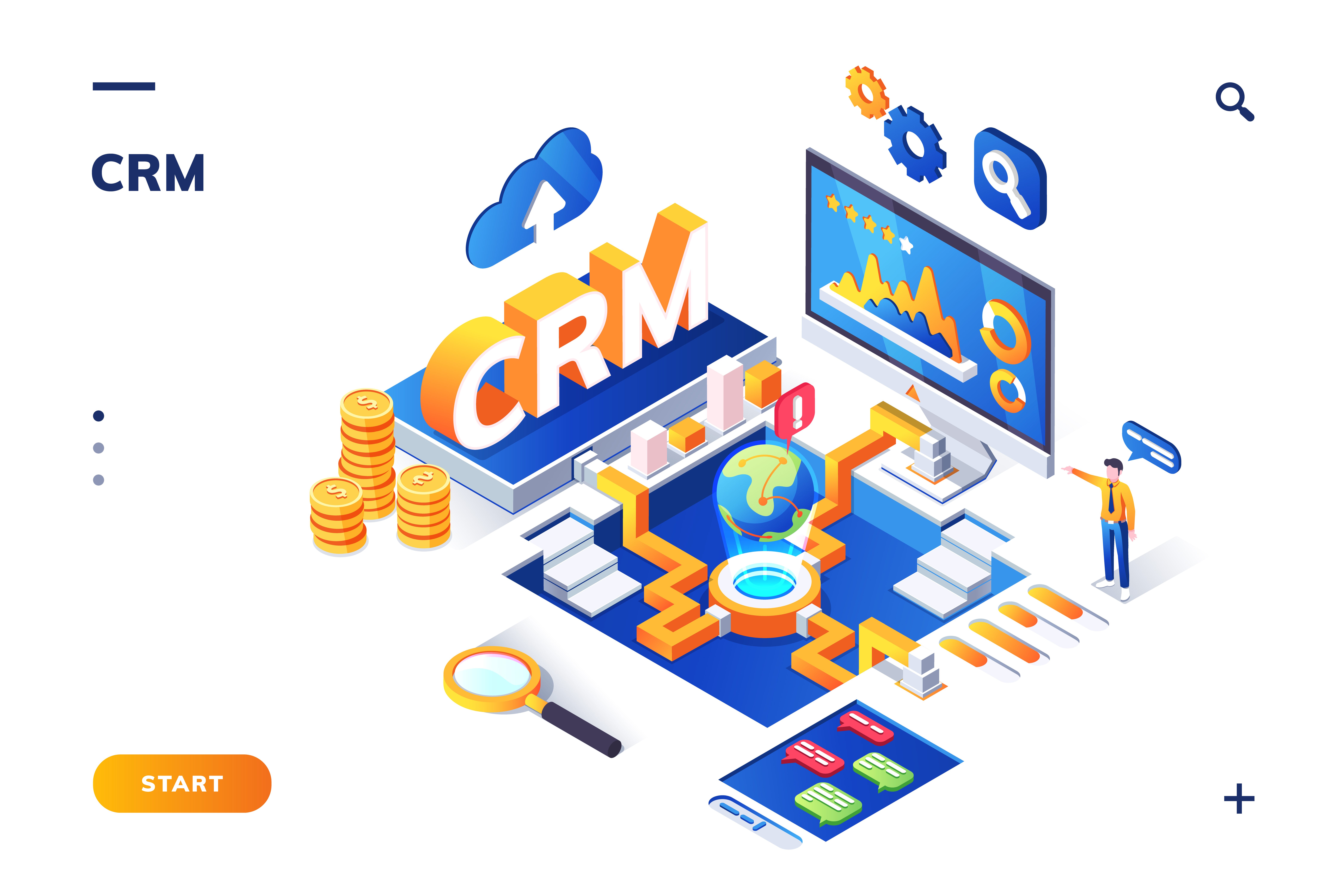
Improved Customer Relations (CRM): Successful retailing depends on delivering a personalised experience. A unified ERP tracks customer activity across every interaction point. When a customer visits a physical store, staff can instantly review their online purchase history and preferences — enabling targeted marketing and building genuine, lasting brand loyalty.
Financial Clarity: By linking sales data directly with finance modules, an ERP provides an immediate, clear picture of the company’s financial position. Management can track profit margins and oversee operating expenses.
Beyond the Four Walls: Connecting to Online Selling Channels
In today’s blended retail environment, the boundary between online and in-store shopping has largely disappeared. A capable ERP for retail stores must function as a reliable bridge to the digital marketplace.
A key advantage of modern ERP is its ability to integrate with e-commerce platforms — such as Shopify, Magento, or BigCommerce — and global marketplaces like Amazon or eBay. When a purchase occurs online, the ERP instantly updates stock levels across physical locations and initiates the fulfilment process at the warehouse. Synchronising all channels allows a retailer to scale its online presence and increase sales throughout the business without increasing its administrative workload.
Key Modules and Features to Look for in a Retail ERP System
Not every ERP solution is the same. When selecting a system, retailers should look for functionality designed specifically for the industry:
1. Merchandising & Stock Control: The ability to manage complex product structures across different sizes, size groups, colours, styles and seasons, with attributes and merchandising capability.
2. Omnichannel Integration: Built-in connections for e-commerce platforms and online marketplaces.
3. Business Intelligence (BI): Powerful reporting tools with visual performance dashboards for key metrics.
4. Warehouse Management (WMS): Features for efficient order picking, packing, and shipping.
5. Mobile Accessibility: The ability for managers to access real-time business data on the go..
Implementing an ERP: A Step-by-Step Guide for Store Owners
Beginning an ERP implementation can seem daunting, but a structured plan ensures a smooth transition.
• Step 1: Needs Analysis: Clearly identify the pain points in your current operation. Define which features are essential versus those that would be beneficial.
• Step 2: Data Cleansing: Before migrating to the new system, verify that all existing information is accurate. Incomplete or incorrect data will produce unreliable outputs — thoroughly review all product lists and customer records before migration.
• Step 3: Choosing the Right Partner: Do not simply purchase software; select a vendor with proven retail sector expertise. At Eurostop, we focus exclusively on the retail industry, meaning we understand its distinct operational challenges.
• Step 4: Phased Rollout: Rather than implementing everything at once, roll out in stages. Begin with core functions such as inventory and POS before introducing advanced features like BI or CRM.
• Step 5: Training and Support: Ensure all team members feel confident using the new platform. Managing the transition is as much about people as it is about technology.
Contact Eurostop Today — ERP for Retail Stores
Eurostop offers tailored ERP solutions built specifically for the retail industry, backed by decades of hands-on experience. Our platform makes managing stock, sales, and customers more straightforward across all your selling channels.
Contact us today for a no-obligation demonstration or call +44 (0) 208 991 2700.